- 2 types of locks: for security & for habits
- Security apps can be easily ignored
- Habit apps are created to keep you locked out
- Each action is followed by a pause and a habit
- Good apps help you block that moment before the habit starts
Phone addiction is so common that you don’t even notice it anymore. You find yourself scrolling through the day and get confused about how fast the day slipped by. And this is no surprise, considering that the average time spent online is over 6 hours a day, though most people would swear that they don’t spend more than 2 or 3 hours.
If you checked your Screen time recently and had a big surprise, most probably you are researching how to put a lock on apps. One thing is for sure. Those guides that talk about PINs, patterns, and fingerprint locks won’t help you in the long run. What you need is a system, and that’s what you’ll find in this article.
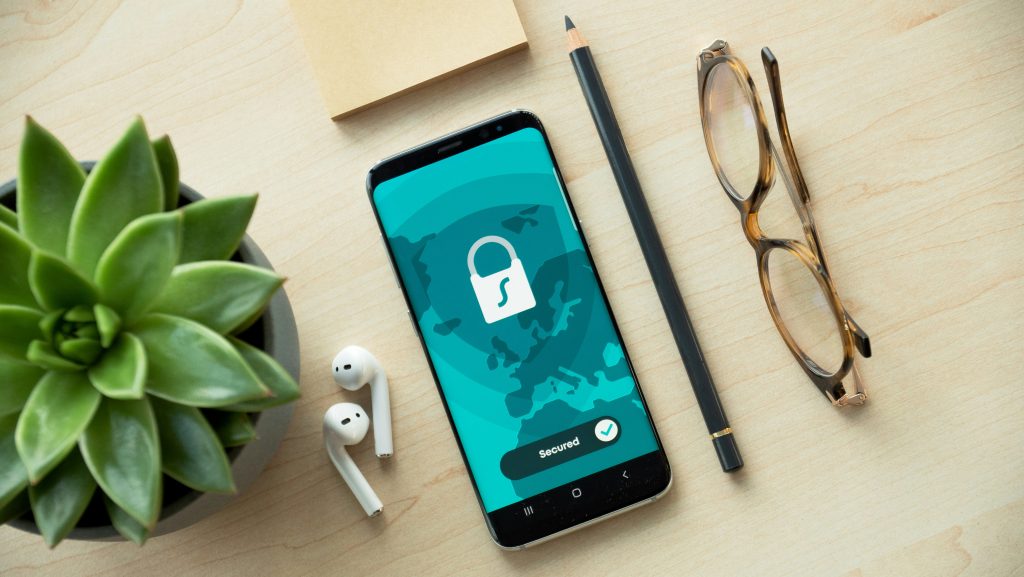
The 2 Kinds of Locks
There are 2 types of locks:
- For security: when you want to keep someone away from your private info. A pin or a fingerprint does the job just fine.
- For your habits: when you need to protect yourself from your daily habits. In this case, you need boundaries you cannot pass.
Now, imagine this scenario. You want to show your little brother a photo on your phone, but you don’t want him to go into inspector mode and start searching through your phone. The solution is simple. You put a code or fingerprint lock on the apps that you want to remain private, and that’s it.
Now, think about doing the same thing, but with yourself. Put the same lock on Instagram or YouTube. What are the chances you won’t be able to unlock it, considering you already know the code?
The first thing you need to understand when you want to limit your screen time is the types of locks that can block your phone. You need to know what to look for; otherwise, you may end up making the same mistakes over and over again.
The Type of Scrolling You Don’t Remember
Whether we are aware of this or not, scrolling has become a major thing in our lives. Just think about the usual things we do daily, like making tea or coffee. Each starts with an action, like pressing a button to start the coffee machine or putting the kettle on the stove to heat the water. Then comes the pause. And what do we find ourselves doing automatically during the pause? Yes, scrolling aimlessly.
The problem is not the phone itself, but the automatic habit. You grab the phone without even thinking about it. That’s why regular locks, like Screen Time, don’t work. You press the “Ignore Limit for Today” button like part of the routine.
This is when you no longer want to rely on willpower and go for hard locks. These apps are strict blockers that basically turn your phone into a useless tool. And this makes you feel proud for a day or two, until you realize that there are useful things there as well, that you actually need. At this point, you will most probably delete the app and get back to the old habits without realizing it.
This is the thing with most of these tools:
- if they are too soft, you ignore them in a heartbeat,
- if they are too strict, you bear with them for a day or two.
If you want to learn how to put a lock on apps and actually stick to it, the solution is the middle ground. You need something that gives enough friction to stop you, but doesn’t ruin your day by blocking the functions you need.

How to Put a Lock on Apps Without Making Your Phone Useless
The difference between scrolling aimlessly and using your phone with a purpose is understanding your habits. You can’t rely on an app to recalibrate your behavior. You need clear goals and a routine.
This is where One Goal: Locked in steps in as a helpful friend. Once you set your goal, or goals, you will receive a daily reminder at the specific hour you added. This is the friction. You become aware of what is going to happen next.
The intention (=goal) you set before each session makes you want to achieve it. Focusing on it day after day in a distraction-free environment helps you build stable habits.
A Setup That Actually Helps
Locking your phone is never enough if you don’t have a real plan. Once you can access it again, you get back to the same scrolling habits.
Here is a more realistic approach to help you throughout the process:
- Observe your scrolling habits and identify the apps that keep you hooked
- Set a goal you want to achieve and the time you want to focus on it.
- Think about a time limit that makes you feel comfortable, but make sure you set it long enough so you can actually complete your goal.
- Give yourself at least one week with this setting and alter it if needed after.
Remember: Your phone is your best friend and worst enemy. Make sure you remain in charge of it and not the other way around.