- Clean your feed to reduce addictive, low-value content
- Use the laptop-only rule to break automatic habits
- Add friction to stop unconscious scrolling loops
- Replace scrolling with easy, healthier alternatives
- Use pause apps to create conscious awareness
You open an app “just for a sec,” then suddenly you’re watching content you never planned to see. This is the daily trap. It makes it harder to figure out how to stop doomscrolling and phone addiction without cutting yourself off completely.
The solution is not removing everything, but changing how you use it, and that’s what we are going to talk about in this article.
Turn Social Media Into a Tool (Not a Habit)
Right now, your brain likely treats social media as entertainment by default. The goal is to shift that mindset and turn it into a tool:
- Before opening any app, ask yourself a simple question: “What am I here to do?” Once you finish that task, you close the app.
- You can also clean up your feed: unfollow accounts that drain your energy or keep you stuck. Follow content that teaches, inspires, or adds value.
The Work-Life Trap and How to Escape It
One of the simplest and most effective strategies to end this is creating distance. The “Laptop Only” rule means removing social media apps from your phone but keeping them on your laptop. This small shift changes your behavior more than you might expect:
- Your phone is always within reach, which makes scrolling automatic.
- Your laptop, on the other hand, requires effort.
That extra step breaks the habit loop. You stop opening apps without thinking, and you start choosing when to use them.
This method works because it adds friction without removing access, which is key when learning how to stop doomscrolling and phone addiction in a realistic way.
Set Rules That Actually Stick
Vague rules like “I’ll use my phone less” rarely work. Instead, you need clear boundaries that fit naturally into your day. For example:
- no scrolling during meals or before bed;
- set specific time windows for social media use;
- create phone-free zones, like your bedroom or workspace.
Breathing Apps That Pause Your Brain
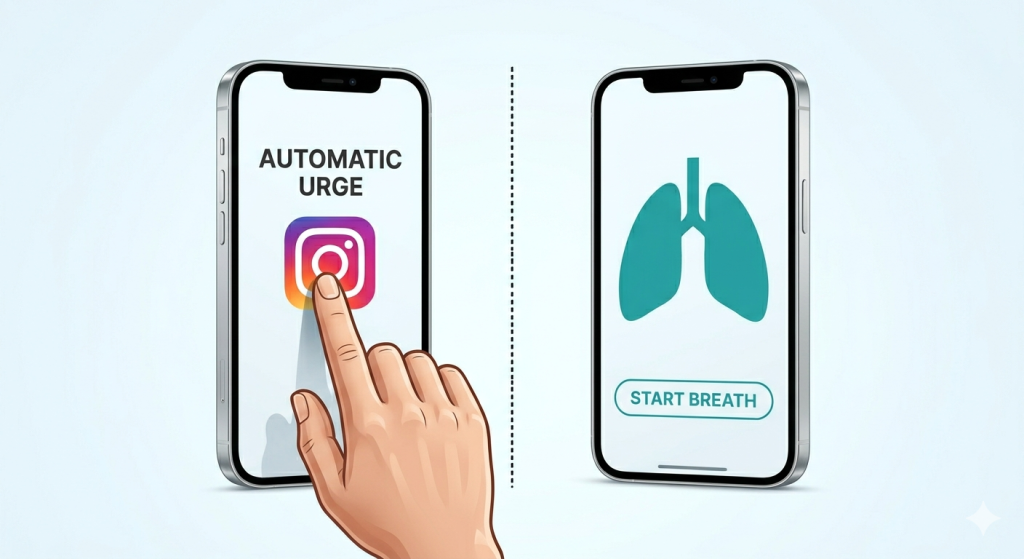
One of the most effective tools right now is the use of short “pause apps.” These apps don’t block you completely. Instead, they create a small gap before opening a distracting app.
You tap Instagram, and instead of opening instantly, you’re asked to take a deep breath for a few seconds. You can install the One Sec app (it works on both mobile and browser) to add that extra pause that helps you reconsider your social media approach.
That pause interrupts the automatic urge and gives your brain time to catch up. In that moment, you often realize you didn’t even want to scroll. You were just bored, tired, or avoiding something. This makes it easier to choose differently without forcing yourself.
Another example is instead of opening social media when you feel bored, you can block it and open a reading app, a puzzle, or something that still feels easy and enjoyable. A good example of such an app is One Goal: Locked in, which allows you to block any app you select for a certain amount of time, untill you finish your tasks.
This is called “productive procrastination,” and it works because it keeps the habit but improves the outcome.
These are gentle but effective ways to approach how to stop doomscrolling and phone addiction without feeling restricted. The goal isn’t to rely on willpower forever. The goal is to make better choices feel just as automatic as scrolling once did.
What Is “Brainrot” Content Doing to You
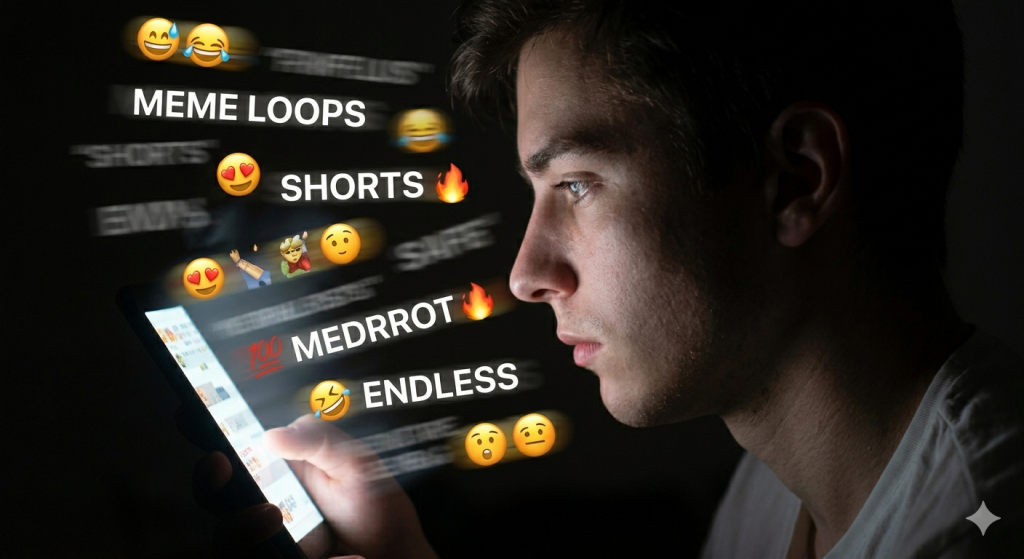
You’ve probably felt it before. You scroll for a few minutes, then suddenly your brain feels tired and unfocused. That’s often called “brainrot” content, and it’s designed to keep you hooked: short videos, endless loops, and fast edits overload your attention.
Over time, this reduces your ability to focus on deeper tasks.
Reading, working, or even relaxing without your phone starts to feel harder. Understanding this is important when learning how to stop doomscrolling and phone addiction.
If habits run on autopilot, friction is what slows them down. And the best part is, friction works immediately. Simple changes can make a big difference.
- Move distracting apps off your home screen.
- Log out after each use.
- Turn your phone to grayscale to make it less appealing.
When you focus on friction instead of willpower, how to stop doomscrolling and phone addiction becomes much more realistic and sustainable.
Replacing Scrolling With Better Habits
Stopping a habit is hard. Replacing it is easier.
The key is choosing alternatives that feel just as easy. Reading a saved article, doing a quick puzzle, or listening to a short podcast can give you a similar mental break without pulling you into a loop.
This is often called “better scrolling.” You’re still taking a break, but in a way that feels more intentional and less draining. Over time, these small replacements start to stick.
A Simple Daily Reset Routine
Breaking the doomscrolling habit isn’t about one big change. It’s about small daily resets that keep you on track. A simple routine can help you regain control without feeling overwhelmed.
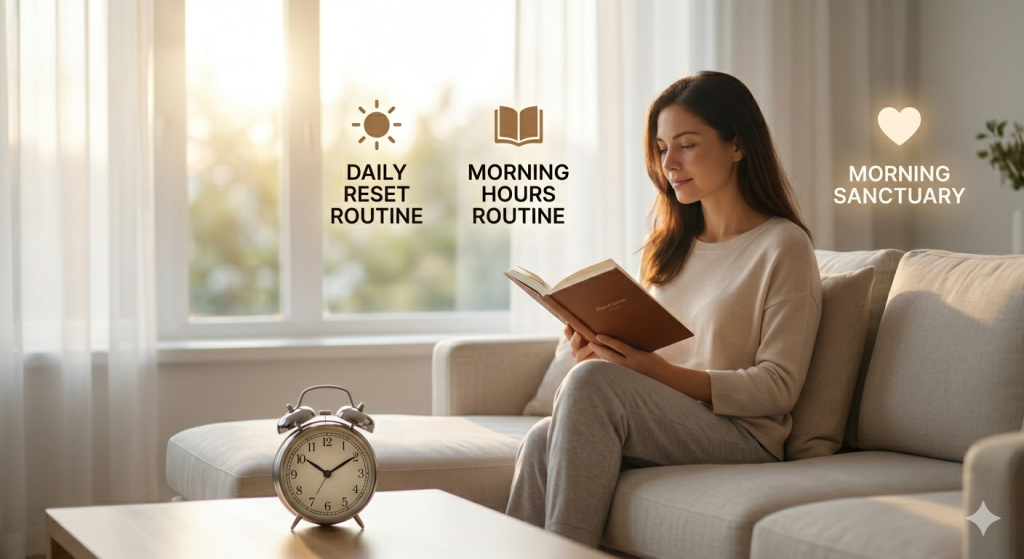
- Start your day without your phone for the first 20 – 30 minutes. This helps your brain wake up without immediate stimulation. During the day, set clear moments when you check social media, instead of opening apps randomly.
- In the evening, create a wind-down routine that doesn’t involve scrolling. Reading, journaling, or listening to something calm can help you relax without draining your attention.
The goal is to create structure, not restriction. With a few consistent habits, you reduce the need for constant decisions. And over time, that’s what makes how to stop doomscrolling and phone addiction feel natural, not forced.
FAQs
1. How to stop phone addiction and doomscrolling?
To stop phone addiction and doomscrolling, add small barriers like app limits or grayscale mode. Use tools that pause your actions, set clear time boundaries, and replace scrolling with simple alternatives. Focus on systems, not willpower.
2. Can 3 days without phone reset brain?
A 3-day break from your phone can help reduce cravings and improve focus, but it won’t fully reset your brain. It’s a great start. Lasting change comes from building better habits and reducing daily triggers, not just short detoxes.
3. What is brain rot phone addiction?
Brain rot phone addiction refers to the mental fatigue and reduced focus caused by excessive scrolling, especially short-form content. It overloads your brain with constant stimulation, making it harder to concentrate, think deeply, or enjoy slower activities.
4. What are the five signs of phone addiction?
Five signs of phone addiction include checking your phone without thinking, feeling anxious without it, losing track of time while scrolling, neglecting tasks or sleep, and struggling to reduce usage despite wanting to.