- Friction helps slow down automatic phone use.
- Better boundaries work better than extreme app deletion.
- Cleaner feeds reduce brainrot and comparison.
- Small escape routes make scrolling easier to stop.
If you are trying to learn how to reduce screen time, here is a comforting thought. You are probably not lazy. Your phone is just very good at its job.
In 2026, apps are not simply waiting for you to open them. They are designed to invite you back again and again. Before you know it, you are 23 minutes deep into videos you never planned to watch.
Here’s what you need to know so you can put an end to this problem once and for all.
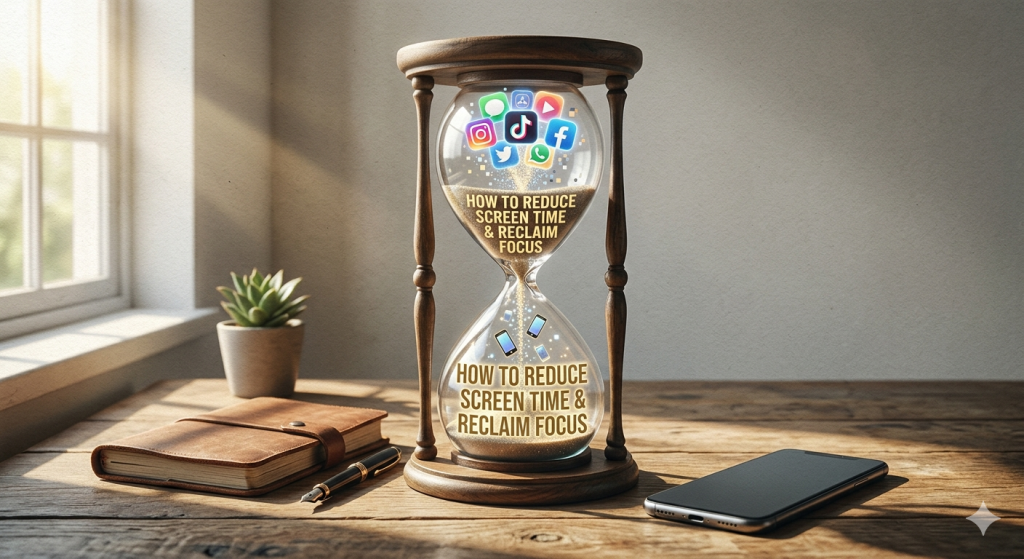
The App Hijack Loop Explained
A lot of screen time happens before you fully notice it. You open one app for a reason, then another app steals the wheel. This is the hijack loop.
It usually works like this:
- You feel a tiny urge..
- You tap the app…
- The app traps you.
The first tap feels harmless. You only wanted to check one thing. But the feed keeps moving. The videos keep loading. The next post is always waiting.
To reduce screen time, you need to slow down that first tap. Friction sounds annoying, but that is the point:
- You can move distracting apps off your Home Screen.
- You can log out after using them.
- You can use stricter blockers that force a pause before opening apps.
- You can keep social media on your laptop only.
Simple rules also help:
- No phone in bed.
- No social apps before breakfast.
- No scrolling while lying down.
- No checking “just one thing” during work blocks.
That is the real secret behind how to reduce screen time: Make your phone harder to abuse, and your better habits easier to choose.

What Screen Time Does to Your Attention
Too much screen time can train your mind to jump quickly from one thing to another. You open one app, check one message, watch one short video, then somehow read three comments from strangers arguing about soup.
Your brain gets used to constant switching. Then normal tasks start to feel slow. Reading a full article feels harder. Studying feels heavier. Even watching a whole movie can feel like a commitment worthy of a formal ceremony.
Deep focus does not return overnight. You rebuild it like fitness, one small session at a time.
Start with short focus blocks. Try 15 or 20 minutes without checking your phone. Put your phone across the room. Use a simple timer. Choose one task and stay with it.
This is when tools like One Goal: Locked in can help. You set a goal, turn on the app that blocks social media, and finish your task. No distractions, no shortcuts to get back to doomscrolling. Just silence and your goal.
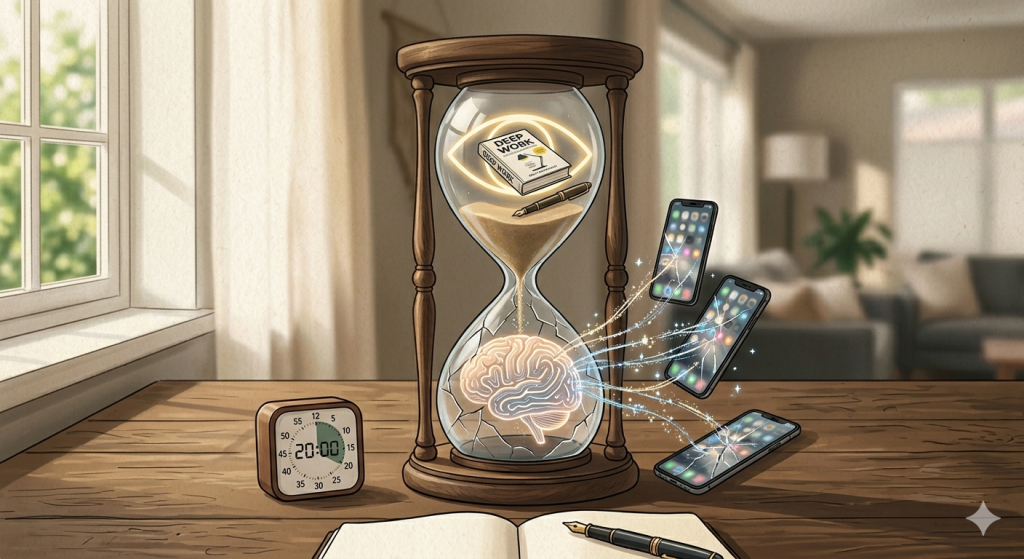
Why Phones Feel Harder to Put Down Now
If you are trying to learn how to reduce screen time, you may feel like your phone has become clingier. One notification leads to one reply. One reply leads to one quick check. One quick check leads to a 40-minute tour of videos.
The tricky part is that your phone no longer feels like one device. It feels like everything. Work, friends, news, entertainment, shopping, photos, banking, reminders, and boredom relief all live there.
So when you try to put it down, your brain says, “But what if we need it?”
Use or Compulsion? Know the Difference
Not all screen time is bad. You may use your phone to call family, follow a recipe, learn something useful, or check directions. That is active use.
Compulsion feels different. It usually starts without a clear reason. You open an app because you feel bored, awkward, tired, or slightly “allergic” to silence.
Then you keep scrolling even when you are not enjoying it anymore. You may even think, “This is boring,” while continuing like a committed professional scroller.
That is the sign to notice. The problem is not using your phone. The problem is feeling unable to stop.
Small escape routes that actually work:
- Put your phone in another room during one daily task. Turn off notifications that don’t need your urgent attention.
- Create a “scroll replacement list.” Add tiny options that feel easy, like stretching, stepping outside, texting one real person, or reading two pages.

Why Deleting Apps Often Backfires
Deleting apps creates a weird little boomerang effect. You remove Instagram, TikTok, or YouTube, then suddenly need them for something useful. Maybe you manage a page, follow work updates, message friends, or save ideas.
So you reinstall the app “just for one thing.” Then one thing becomes ten minutes. Ten minutes becomes forty.
That is why deleting apps can feel too extreme. It removes access, but it does not always change the habit. A better goal is to make apps harder to misuse:
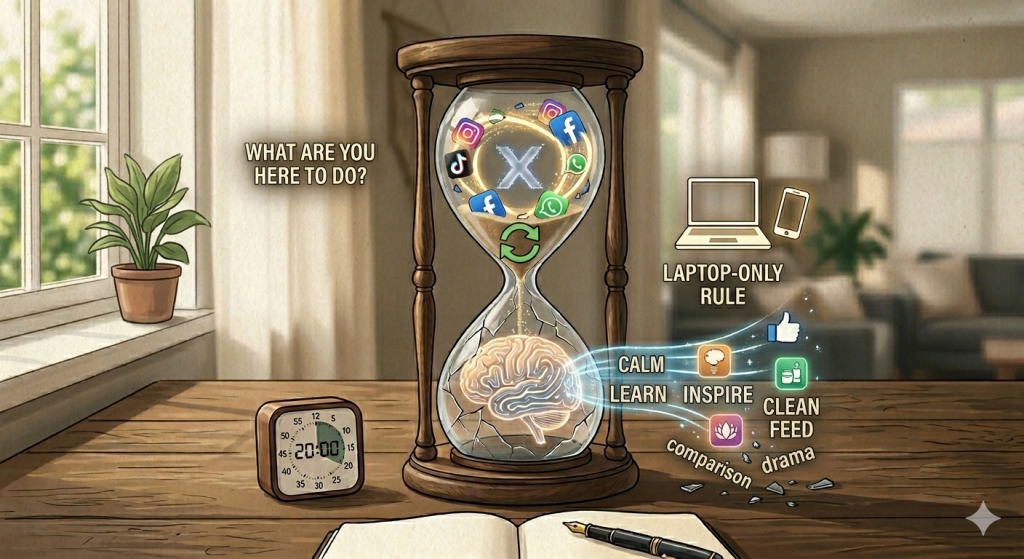
- Before opening an app, ask yourself one simple question: “What am I here to do?”
- You can also use the laptop-only rule. Keep social media off your phone, but allow it on your computer.
Clean Your Feed for Less Brainrot
Your feed shapes your screen habits more than you think. If it is full of drama, rage, gossip, and endless short clips, your brain will keep asking for more. So clean it like a digital wardrobe:
- Unfollow accounts that make you feel drained.
- Mute content that pulls you into comparison.
- Remove creators who post nonstop low-value clips.
- Keep accounts that teach, inspire, or genuinely entertain you.
- Turn off autoplay when possible.
- Save longer content for later.
In Conclusion… How to Reduce Screen Time?
Learning how to reduce screen time is not about becoming a phone-free person. It is about creating more space between you and the automatic tap. You can still use your phone for useful things, fun things, and real connections. You just do not have to let every bored second become a scrolling session.
And no, you do not need superhero discipline. You just need a phone setup that stops working against you.
Q&A
What is the 3 6 9 12 rule for screen time?
The 3-6-9-12 rule suggests no screens before age 3, no personal gaming devices before 6, no internet before 9, and no social media before 12. It is mostly used as guidance for children’s screen habits.
How do I decrease my screen time?
To decrease screen time, add friction: move distracting apps, turn off non-essential notifications, use app blockers, keep your phone away during focus time, and replace scrolling with easy offline habits.
Is 7 hours screen time ok?
7 hours of screen time may be okay if it is mostly work, learning, or useful tasks. If it affects sleep, focus, mood, or relationships, it is a sign to set stronger boundaries.